Joy and Shopify Subscription
Integrate Joy Loyalty with Shopify Subscription to reward customers for every subscription purchase
Who can use this feature?
- This feature is available in all plans
Why do you need this feature?
Integrating Joy Loyalty with Shopify Subscription allows merchants to reward customers with loyalty points for subscribing and renewing their subscriptions. This powerful integration offers an effective incentive that not only encourages new sign-ups but also boosts customer retention by rewarding long-term commitment. By providing customers with tangible rewards for their ongoing subscriptions, businesses can foster deeper loyalty, enhance the customer experience, and strengthen lasting relationships.
How to integrate Shopify Subscription with Joy Loyalty
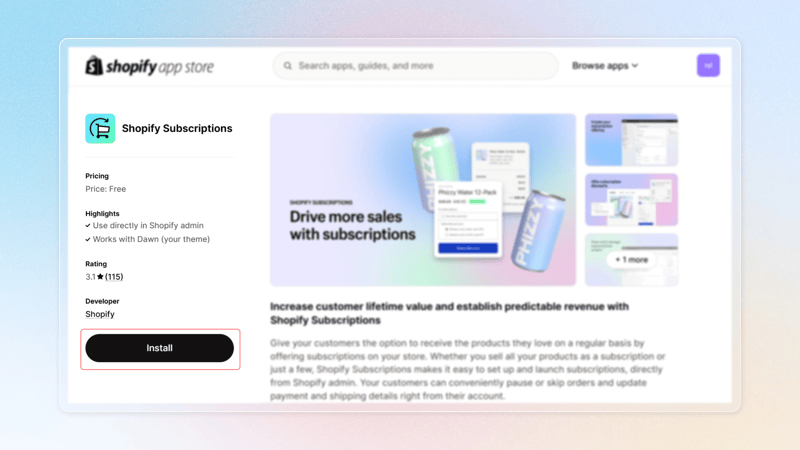
Download Shopify Subscription apps from Shopify
Open Joy: Loyalty Program, go to "Integrations", and select "Shopify Subscription"
Turn on connection next to Shopify Subscription. If successful, a Connected tag will appear
Click on “Set Up” to establish your reward program
Set up a reward program
- Program name: Customize the name of the reward program
- Eligible customers: Define which customers are eligible for the program
- Rewarding method: Choose between rewarding based on the amount spent or per purchase
- Rewards value: Set the reward points value for subscriptions.
Click on "Turn on" to save your reward program
Another way to set up a reward program for subscriptions (You still need to install and turn on Shopify subscription first). Go to "Reward programs" in the left menu. Use the Rule Engine to configure the Place Order rule by clicking "Add more." Then, select "Subscription order". Configure the reward points rule for customers in the Step 5 above.
For more details, please refer to the guide below:
Overall
Integrating Joy Loyalty with Shopify Subscription provides a seamless way to reward customers for subscriptions, boosting engagement and lifetime value. It allows customization of point-earning rules, making it key for improving retention and driving sales in subscription-based businesses.