Wishlist page
What is the Wishlist page?
The Wishlist Page is where customers view and manage their saved items. This central hub displays all products added to the wishlist, allowing customers to review their selections, add products to cart, or remove items they no longer want.
Why customize the Wishlist page?
- Improve User Experience: Create a clear, intuitive interface for managing saved items
- Increase Conversions: Design call-to-action buttons that encourage adding to cart
- Boost Customer Satisfaction: Provide flexible viewing options (full page, drawer, or popup)
How to Customize the Wishlist page?
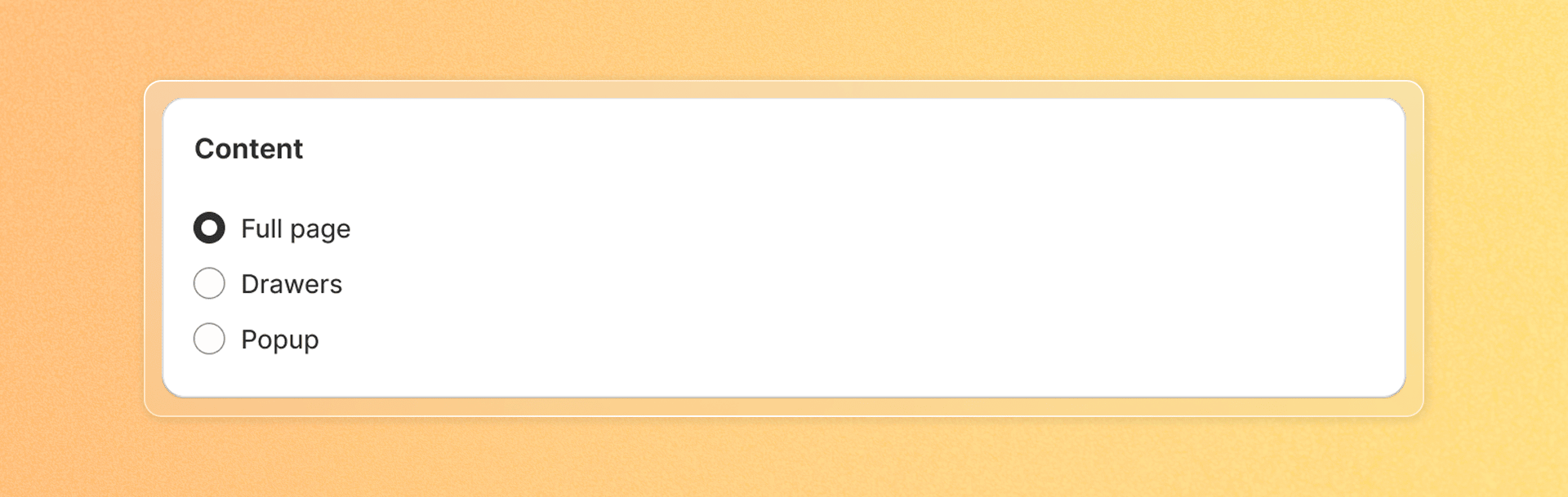
Select page type
- Full page: Traditional full-page display similar to a collection page
- Drawers: Side panel that slides in from the edge of the screen
- Popup: Modal window that appears over the current page
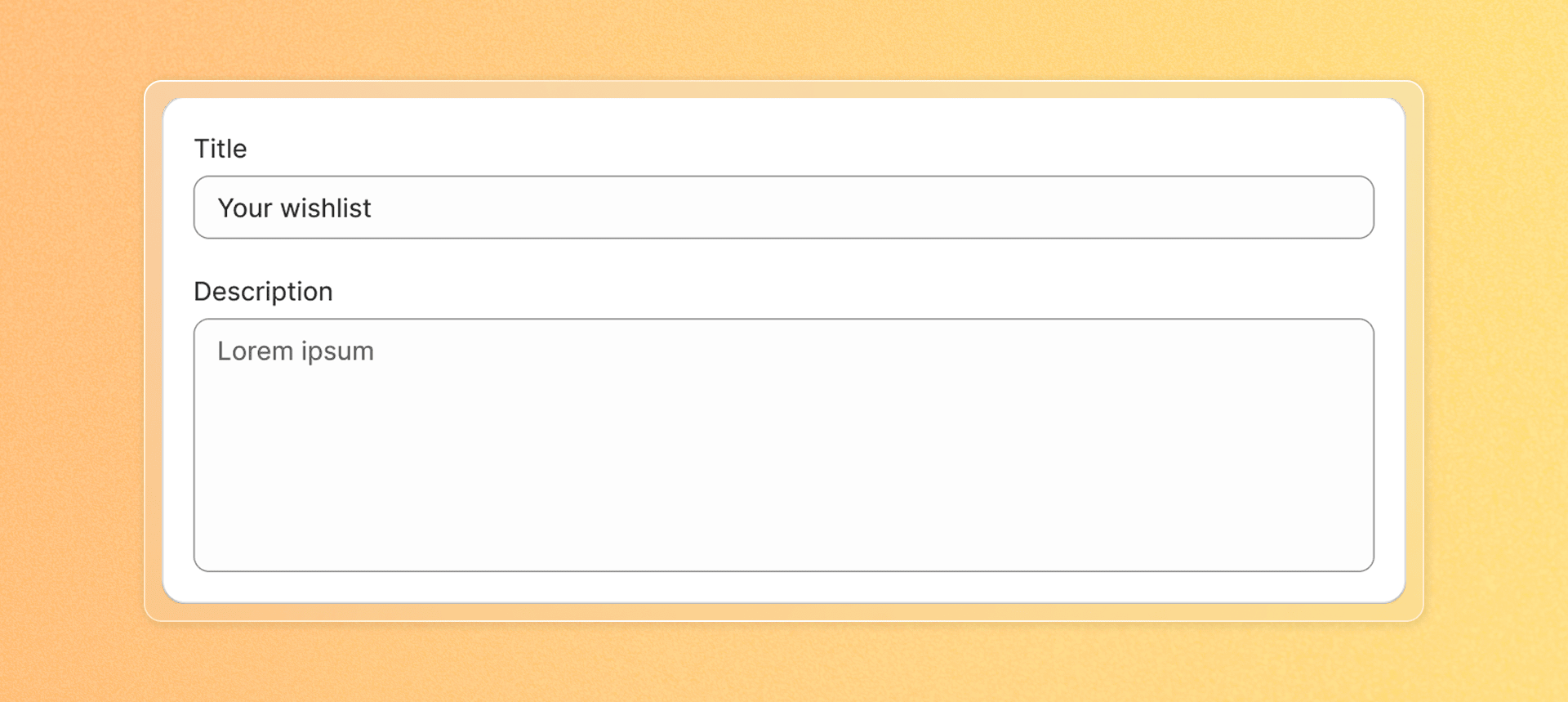
Set page title and description
- Enter a Page title that will appear at the top of the wishlist page
- If you selected "Full page" type, you can add a Page description that appears below the title
- Leave the description blank if you don't want to display one
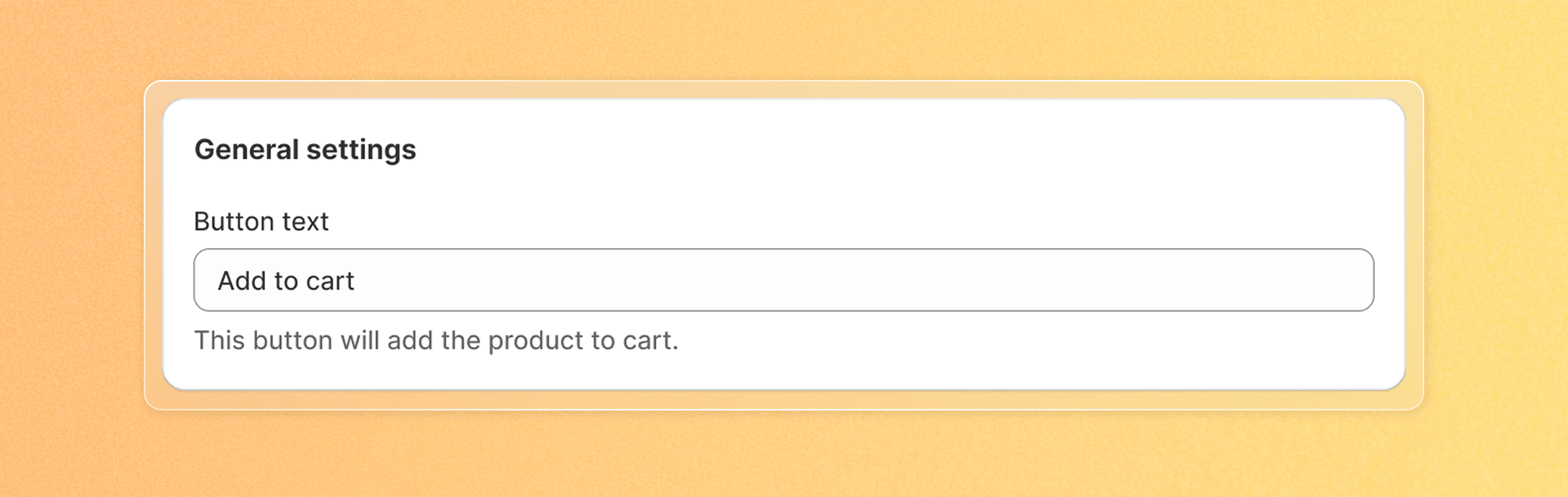
Customize button text
- Under "Button text", enter the text for the call-to-action button that adds products to cart
- Examples: Add to Cart, Add to Bag, Move to Bag, ...
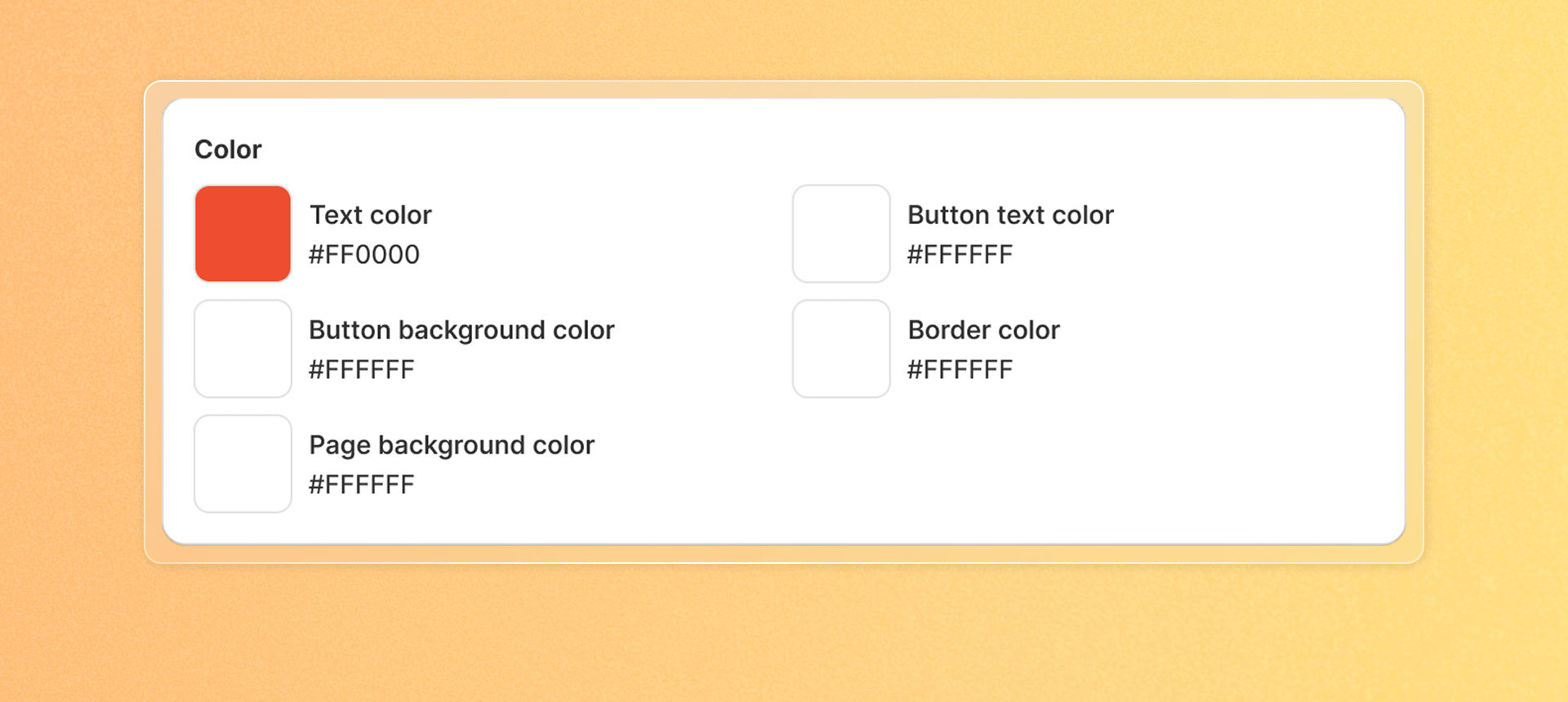
Set color scheme
- Text color: Color for regular text on the page
- Button text color: Color for text on the "Add to Cart" buttons
- Button background color: Background color for action buttons
- Button border color: Color for the border around buttons
- Page background color: Background color for the entire wishlist page
Save your change
When you're satisfied with your customizations, click Save to apply them to your store.

Page type comparison
| Feature | Full page | Drawers | Popup |
|---|---|---|---|
| Navigation | Customers navigate to a separate page | Slides in without leaving current page | Appears over current page |
| Best for | Detailed browsing of many wishlist items | Quick access while shopping | Quick review without disrupting shopping |
| Mobile experience | Full-screen dedicated view | Compact sliding panel | Overlay on current view |
| Description support | Yes | No | No |
Design ideas for different store types
Fashion stores:
- Use a full-page layout with large product images
- Add "Size" information to product displays
- Consider a neutral background to highlight product colors
Home goods/Furniture:
- Drawer-style wishlist for easy comparison while browsing
- Include product dimensions in the wishlist display
- Use buttons that match your store's call-to-action styling
Beauty/Cosmetics
- Popup style for quick wishlist checks
- Bright, eye-catching "Add to Cart" buttons
- Consider showing product ratings in the wishlist