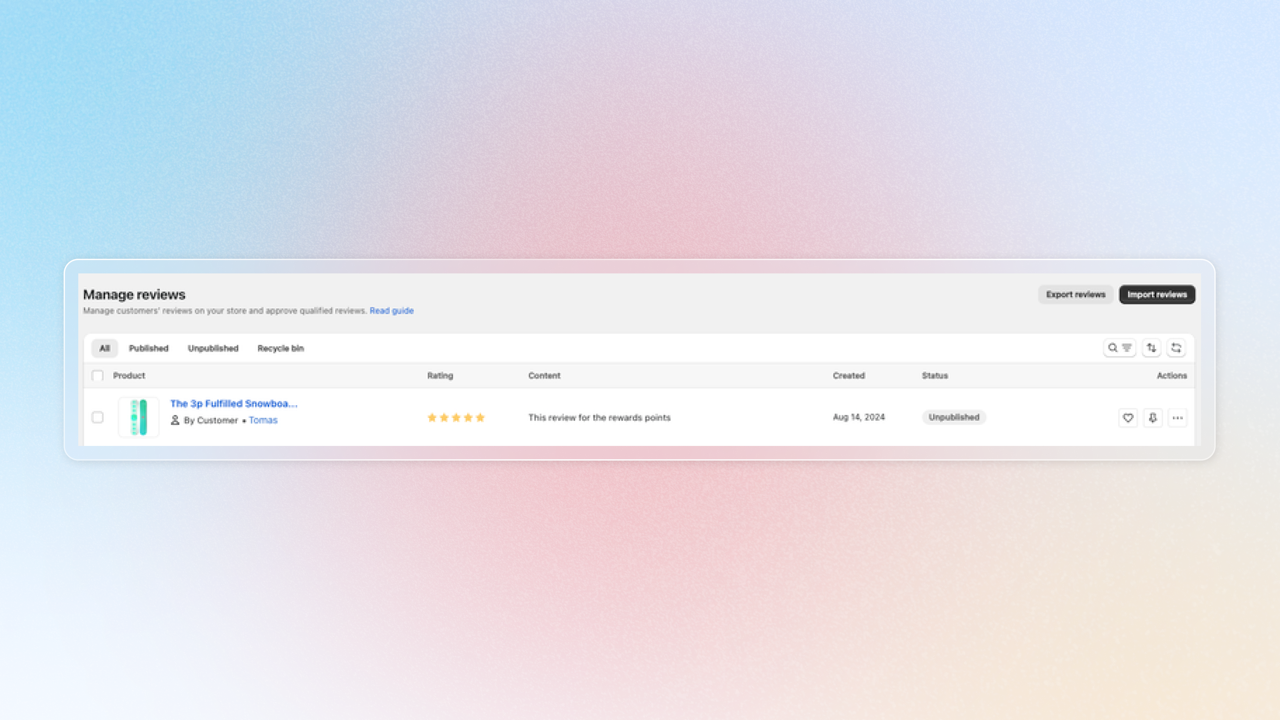
Joy and Loox
Connect Loox directly with Joy Loyalty to reward customers for reviews — no Shopify Flow needed.
Understanding the rules
Once connected, Joy listens to Loox via webhook: when a customer submits a review, Joy awards points automatically — no Shopify Flow workflow required.
You need a Loox plan with API access (Convert or Unlimited) to connect Joy to Loox.
Setup the integration
Go to Loox admin > Settings > API keys. Copy your Public store ID at the top, then under Manage API keys, click Generate API key (name it e.g. "Joy Loyalty") to get your API secret key
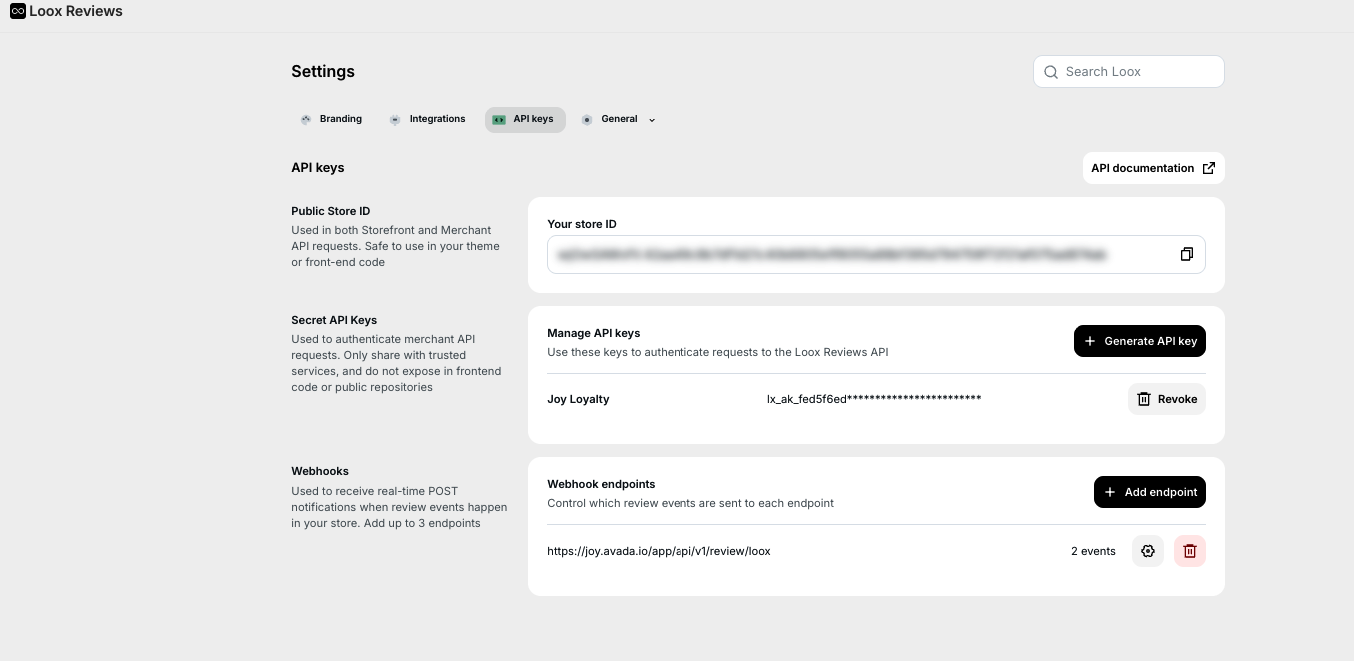
Get back to Joy, go to Integrations > Loox, paste both values in, then Connect
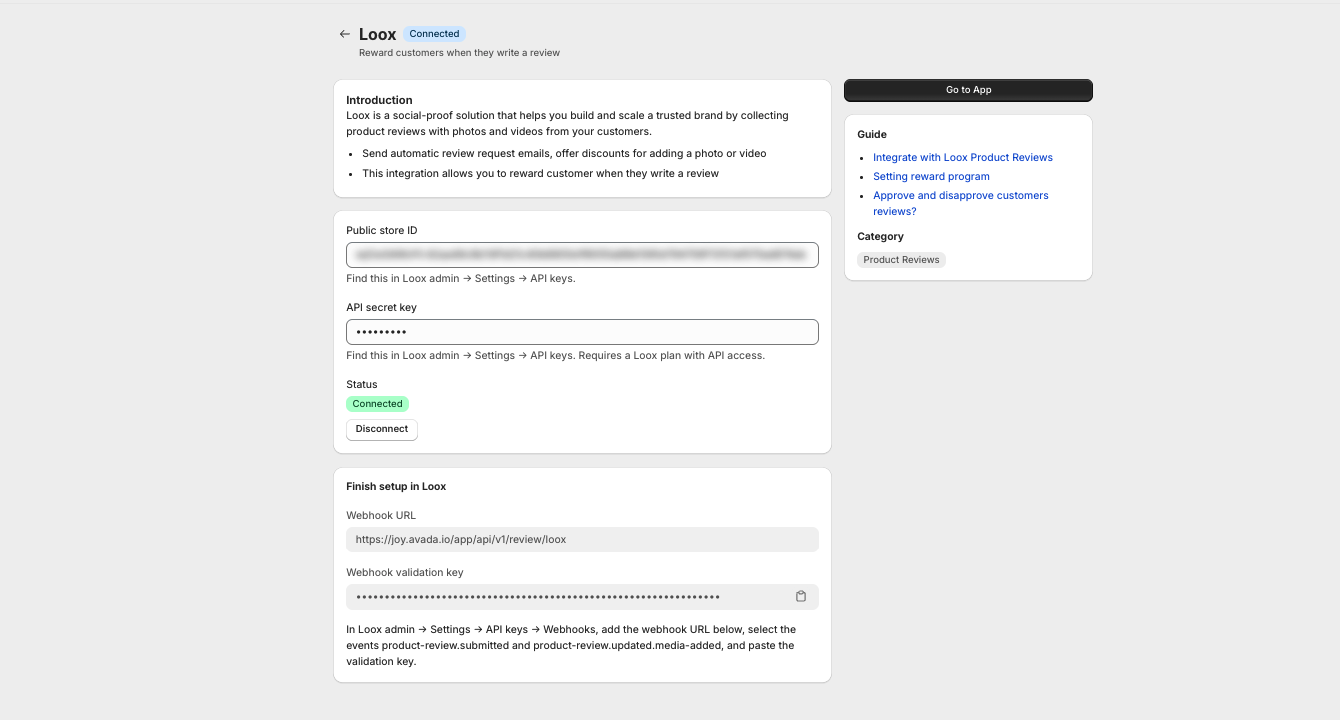
Finish setup in Loox
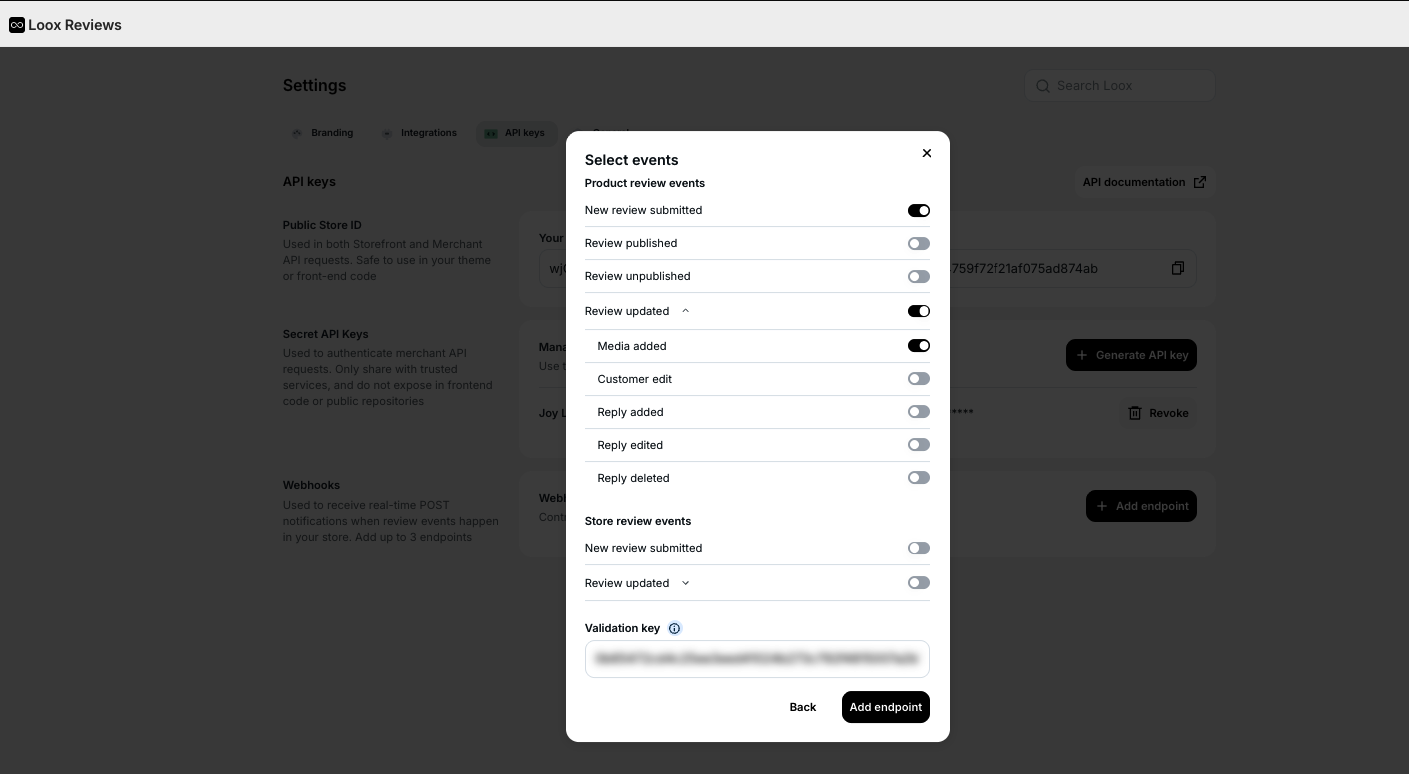
Once connected, Joy shows a Webhook URL and a validation key. In Loox admin > Settings > API keys > Webhooks, add a webhook using that URL. Under Product review events, turn on New review submitted, then turn on Review updated and expand it to also turn on Media added. Paste the validation key and Save
Select Loox in the Review program
Head to the Joy Write review program, choose Loox as the review app
Test the program
Visit Activities > Review activities > View all reviews activities to see reward transactions for reviews