Pending Points
Set up a pending points system, creating a waiting period before points are usable
This feature is available for: Advanced and Ultimate plan.
What is Pending Points?
Pending Points is a feature in Joy Loyalty that introduces a delay in making points available after a purchase. Unlike the traditional system where points are instantly credited, Pending Points helps merchants manage returns and reduce fraud by holding points in a pending status for a set period. This gives merchants greater control over when points are fully available for use in loyalty programs.
Why do you need Pending Points?
Pending Points offer several benefits for your store:
- Prevents Fraud: Points are delayed until the order is fully confirmed, reducing the risk of fraud.
- Manages Returns: Merchants can avoid giving points for returns, ensuring only valid purchases earn rewards.
- More Control: Merchants can control when points are available, offering flexibility for their loyalty program.
- Accurate Loyalty Program: This feature helps maintain a reliable and fair loyalty system by awarding points only for completed purchases.
Pending Points help you protect your business, streamline your rewards system, and build customer trust.
Understanding the rule
Process:
- Purchase: Customers make a purchase and earn Pending Points.
- Waiting Period: These points remain in a pending state for a period set by the merchant.
- Conversion: After the waiting period, Pending Points automatically convert into Available Points.
- Use: Only Available Points can be redeemed for rewards or contribute to the customer's tier status.
How to set up Pending Points
Pending Points used to require Support to enable it. From April 2026, merchants on Advanced or Ultimate can turn it on themselves inside the Joy admin — no ticket needed.
Open Joy Loyalty app and go to Settings → Additional Features
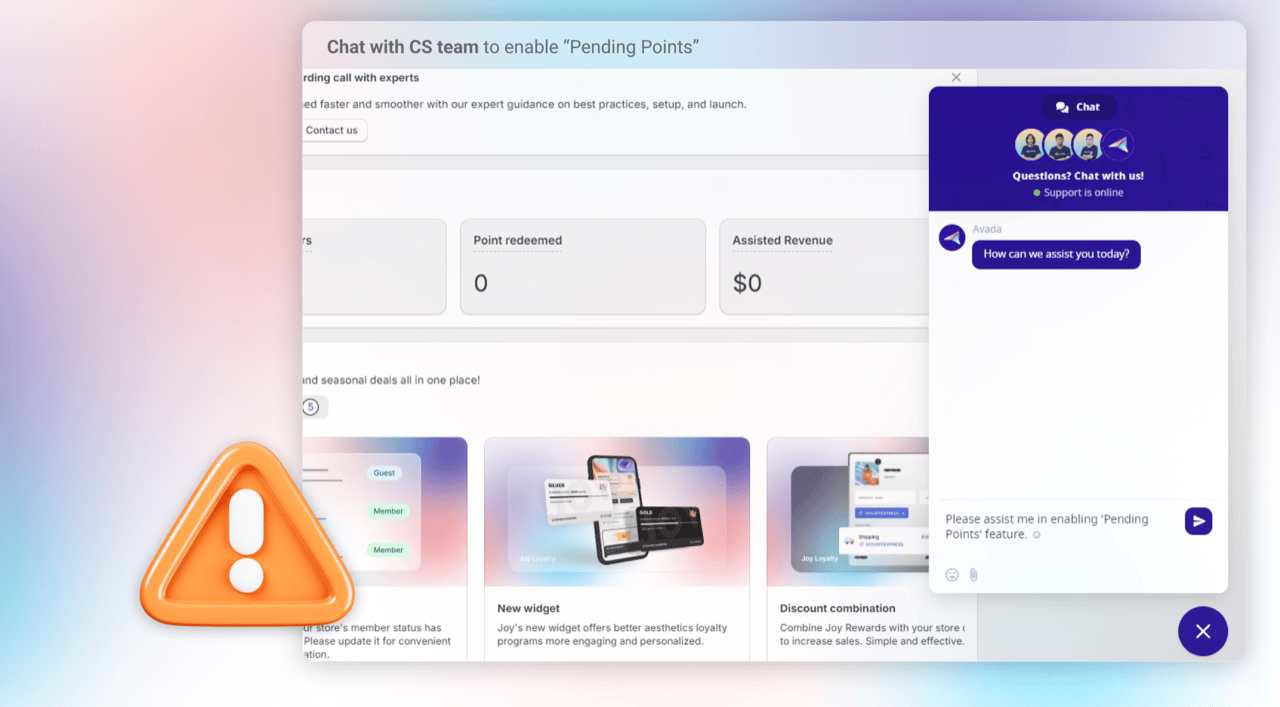
Find "Pending Points" and click Turn on
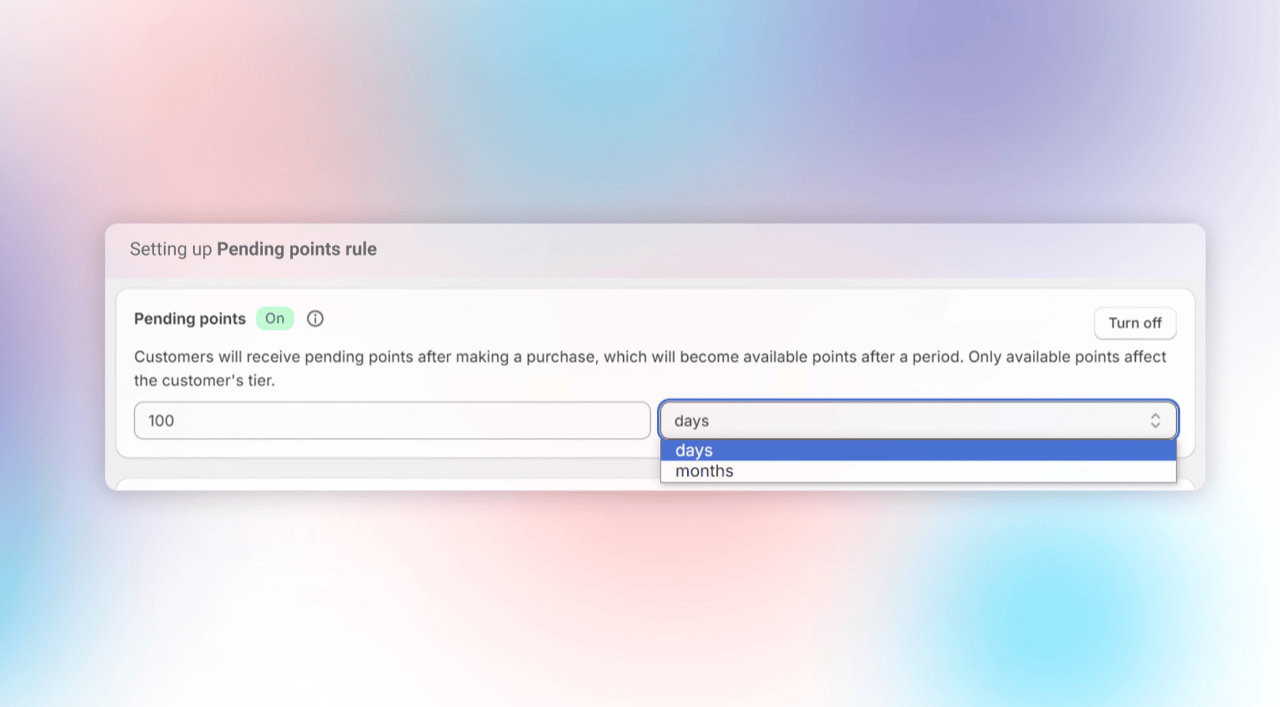
Set the Waiting Period
Once the feature is on, configure how long Pending Points stay pending before converting into Available Points (e.g., 8 days to match your return window).
Best practice: Who should need Pending points feature?
Pending Points is ideal for merchants with a return policy or concerns about fraud. It benefits:
- Stores with Return Policies: Delays points until after the return period to prevent exploitation.
- Merchants Seeking Fraud Prevention: Helps deter fraudulent behavior by making points usable only after a set time.
- Businesses Needing Better Point Management: Offers control over when points are awarded, ensuring rewards are only given after certain conditions are met.
For example:
Problem: Customers are exploiting the system by placing multiple orders, earning points, redeeming rewards, and then returning the items.
Solution: Implement Pending Points with an 8-day delay, so customers must wait until after the return period to use points, preventing fraud and protecting the store.